
AI is changing how HR teams recruit, manage employees and make workplace decisions. The question is no longer whether HR can use AI, but which tools are worth using and how to use them responsibly.
Human Resources professionals manage a wide range of responsibilities, from recruitment and onboarding to employee relations, performance management, learning and development, and workforce planning.
Many of these activities involve repetitive administrative work, large amounts of information, and decisions that require careful analysis. AI-powered tools can help HR teams organise information, draft documents, identify patterns, and streamline routine tasks.
However, not every AI tool is suitable for every HR function. A recruitment platform may help manage applications, while a people management platform may support performance reviews and employee feedback. A general-purpose AI assistant may help draft an employee communication, but it should not replace professional judgement when handling a sensitive workplace issue.
For HR professionals in Nigeria and across Africa, understanding these differences is an important step towards adopting HR technology effectively.
This guide explores AI tools HR professionals should know about in 2026, their main uses, and the factors to consider before introducing them into an organisation.
What Are AI Tools for HR?
AI tools for Human Resources are software applications that use artificial intelligence to support or automate tasks across the employee lifecycle.
Depending on the product, these tools may help HR teams:
- Draft job descriptions and employee communications.
- Organise recruitment and candidate information.
- Support interview scheduling and structured assessments.
- Answer routine employee questions.
- Analyse employee feedback and engagement surveys.
- Assist with performance reviews and development planning.
- Identify workforce trends and skills gaps.
- Organise learning resources and training activities.
Some tools are built specifically for HR, while others are general-purpose AI assistants that can support HR work when used appropriately.
AIHR’s overview of AI tools for HR leaders explores applications across recruitment, HR operations, talent management, and other people-related functions.
The important distinction is that AI should support HR professionals, not replace accountability for people decisions.
Why Should HR Professionals Learn About AI Tools?
1. To reduce repetitive administrative work
HR teams often spend time drafting routine communications, summarising documents, preparing interview questions, and organising information.
Appropriate AI tools can help with first drafts, summaries, and repetitive workflows, giving HR professionals more time for work that requires human interaction and judgement.
2. To improve recruitment workflows
Recruitment teams may receive large volumes of applications and need to coordinate interviews, communicate with candidates, and maintain consistent evaluation processes.
Some AI-enabled recruitment platforms help organise these activities and support structured candidate assessments. However, the quality of hiring decisions still depends on job-related criteria, appropriate evaluation methods, and human review.
3. To make better use of workforce data
HR teams collect information about recruitment, performance, employee feedback, learning, and retention.
AI-enabled analytics can help identify patterns and summarise information, but HR professionals must understand the data, check the findings, and determine whether the results support a sound decision.
4. To improve employee support
AI-powered employee assistants can help workers find approved policy information or navigate routine HR processes.
When configured properly, these systems may reduce repetitive enquiries and make information easier to access. Sensitive employee relations cases and complex questions should still be directed to qualified HR professionals.
5. To develop future-ready HR skills
AI adoption is creating a growing need for HR professionals who can combine people management knowledge with digital literacy, data interpretation, and responsible technology use.
AIHR’s State of HR 2026 discusses the challenges HR teams face as they are expected to support organisational transformation, workforce strategy, and AI adoption. <Cite refs={[“turn523533search0″,”turn523533search2”]}/>
AI Tools Every HR Professional Should Know About
The tools below serve different purposes. Some are specialised HR platforms, while others are general AI assistants that can support selected HR tasks.
Availability, pricing, integrations, and features vary by product and subscription. HR teams should confirm current terms with each provider before making a purchasing decision.
1. ChatGPT – For HR Writing, Research, and Brainstorming
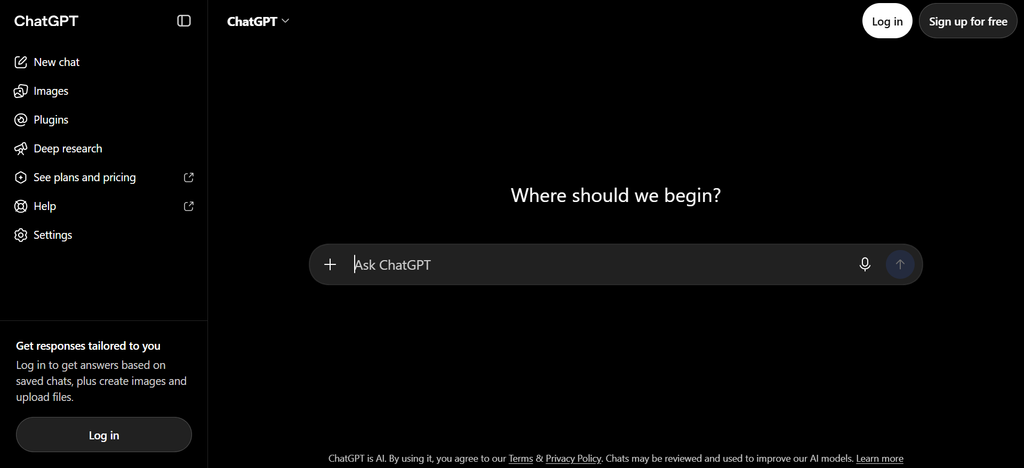
ChatGPT is a general-purpose AI assistant rather than a dedicated HR management system. It can help HR professionals generate ideas, structure information, and produce draft content for review.
Possible HR applications include:
- Drafting job descriptions and interview questions.
- Creating onboarding checklists and training outlines.
- Preparing first drafts of employee announcements.
- Structuring employee engagement survey questions.
- Summarising non-confidential policy material.
- Developing FAQs for routine HR processes.
Example: An HR officer can ask ChatGPT to draft a structured onboarding checklist for a new employee, then adapt it to the organisation’s policies and role requirements.
Best for: HR professionals who need help drafting content, organising ideas or creating first versions of routine documents.
Important consideration: AI-generated content can contain inaccurate information or make unsupported assumptions. Review outputs carefully, particularly when they concern employment rights, disciplinary matters, contracts or company policy. Avoid entering confidential employee information into tools unless the organisation has approved the service and its data-handling arrangements.
2. Claude – For Long Documents and Detailed Drafting
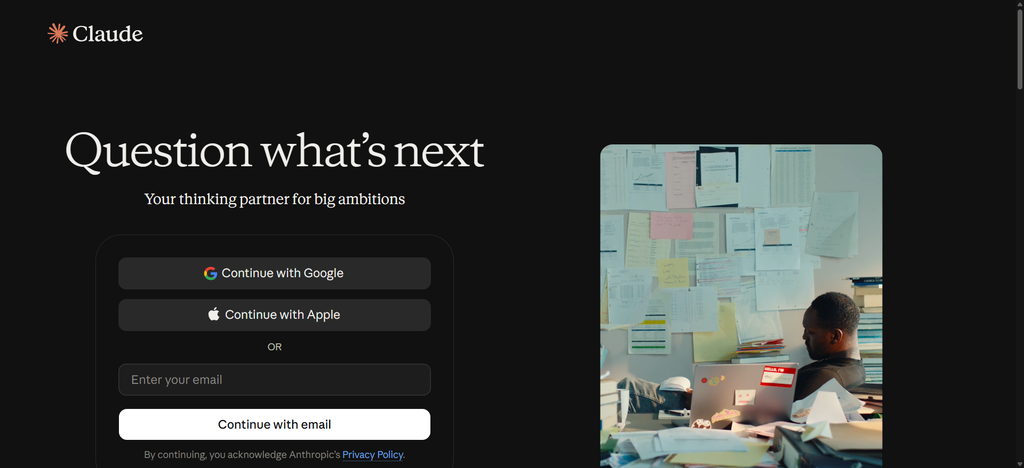
Claude is another general-purpose AI assistant that can support drafting, summarisation, analysis, and document-based work, depending on the model and plan being used.
HR professionals may find it useful for:
- Summarising lengthy non-confidential policy documents.
- Structuring employee handbooks for professional review.
- Comparing sections of draft policies.
- Preparing training materials and facilitator guides.
- Organising feedback from non-sensitive surveys.
- Drafting communications for different employee audiences.
Example: An HR manager can use Claude to create an outline for an employee handbook, then review each section against the organisation’s actual policies and applicable employment requirements.
Best for: HR teams working with lengthy documents, structured writing and complex information.
Important consideration: Do not assume that an AI-generated summary includes every important qualification in the original document. Verify important details against the source.
3. Greenhouse – For AI-Assisted Recruitment
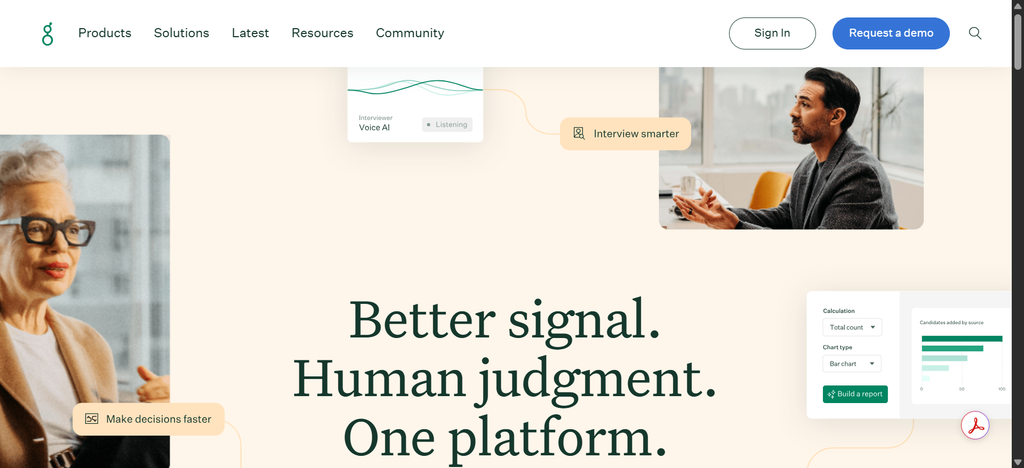
Greenhouse is a recruitment platform with AI capabilities designed to support parts of the hiring workflow. Its published features include interview note-taking, candidate insights, job setup assistance, and hiring analytics, with availability varying by feature and plan.
HR teams can explore it for tasks such as:
- Managing candidate applications and hiring stages.
- Supporting structured interviews.
- Organising interview notes against scorecard questions.
- Reviewing recruitment pipeline information.
- Identifying workflow bottlenecks.
- Coordinating recruitment activities across teams.
Example: A recruiter can use structured interview notes to help compare candidates against the same job-related criteria instead of relying on inconsistent handwritten notes.
Best for: Recruitment teams that need to organise hiring workflows and support structured candidate evaluation.
Greenhouse’s approach emphasises using AI to support structured hiring rather than removing human judgement from recruitment.
Important consideration: Recruitment tools should be assessed for job relevance, accessibility, candidate privacy, bias risks, and how automated recommendations are reviewed.
4. HireVue – For Candidate Assessment and Interviewing
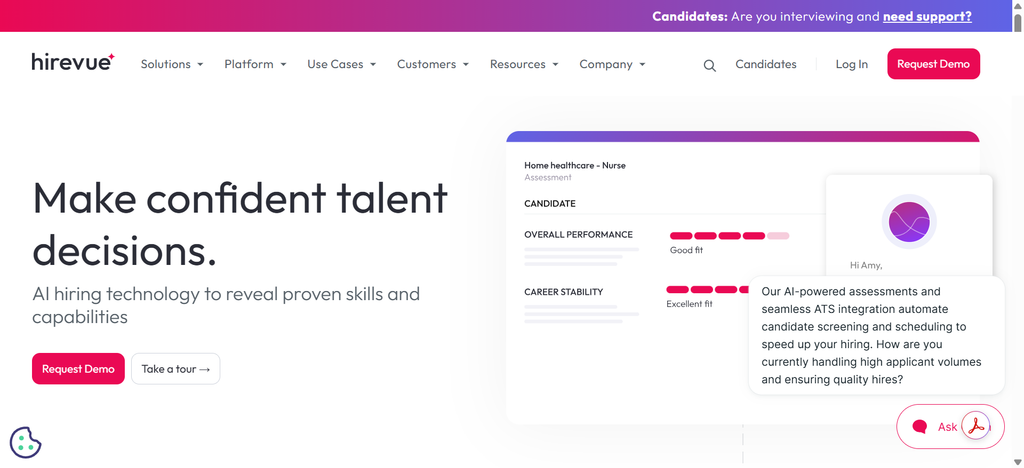
HireVue offers hiring technology that includes candidate assessments, structured interviews, and AI-supported interviewing capabilities.
Depending on the product and configuration, HR teams may use the platform to:
- Assess job-related skills.
- Organise structured interview workflows.
- Support candidate screening.
- Review evidence against predefined assessment criteria.
- Coordinate candidate evaluations.
- Manage recruitment at scale.
Example: An organisation recruiting for a customer service role could use a job-related assessment to evaluate candidates’ responses to realistic customer scenarios.
Best for: Organisations managing high volumes of applicants or structured assessment processes.
Important consideration: AI-assisted assessment must not be treated as an unquestionable verdict on a candidate. HR teams should understand how the assessment works, evaluate its relevance to the role, review fairness and accessibility, and retain appropriate human oversight.
5. Workday – For Human Capital Management and HR Operations
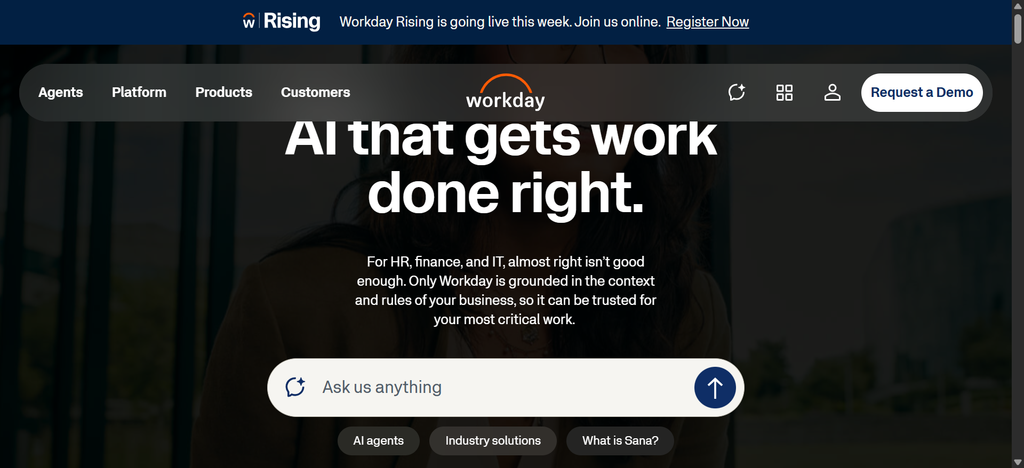
Workday provides human capital management software with AI-enabled capabilities across areas such as HR operations, employee support, talent management, and workforce processes.
Depending on the products an organisation uses, capabilities can support:
- Managing employee information and HR workflows.
- Supporting employee self-service.
- Helping employees find relevant HR information.
- Streamlining selected administrative tasks.
- Supporting talent and workforce planning.
- Analysing workforce information.
Example: An employee may use an approved HR self-service assistant to find information about a routine workplace process, while HR staff focus on cases that need individual attention.
Best for: Larger organisations that need an integrated HR technology platform.
Important consideration: Enterprise HR platforms can require substantial planning, configuration, integration, and investment. Smaller organisations should assess whether they need an integrated platform or a more focused tool.
6. Lattice – For Performance Management and Employee Development
Lattice offers people management tools with AI capabilities designed to support performance, engagement, employee growth, and manager effectiveness.
Its AI Agent includes capabilities for summarisation, note-taking, coaching, analysis, and drafting, based on the product’s configured data and features.
Potential uses include:
- Preparing first drafts of performance review content.
- Summarising feedback and progress updates.
- Supporting manager conversations.
- Organising notes and follow-up actions.
- Reviewing patterns in performance and engagement information.
- Supporting employee development discussions.
Example: A manager can use a performance platform to organise documented feedback before a review, then check the evidence and write a balanced assessment.
Best for: HR teams working on performance reviews, employee feedback, goals and development.
Important consideration: Performance reviews can affect career development, promotion, and compensation. AI-generated summaries should be checked for missing context, inaccurate conclusions, and unfair assumptions. Decisions should remain accountable to people.
7. Culture Amp – For Employee Engagement and Feedback
Culture Amp provides employee experience and people management tools, including employee surveys and analytics. Available AI capabilities and integrations should be checked against the current product offering.
HR teams may explore this category of tool to:
- Collect employee feedback through surveys.
- Identify recurring themes in survey responses.
- Examine engagement patterns.
- Support manager action planning.
- Monitor changes in employee sentiment over time.
- Organise performance and development processes.
Example: If employees repeatedly mention unclear communication in survey comments, HR can investigate the issue and work with managers on a targeted improvement plan.
Best for: Organisations that want to understand employee sentiment and improve workplace experience.
Important consideration: Survey findings should be interpreted in context. Protect employee confidentiality, avoid exposing identifiable comments unnecessarily, and do not treat sentiment data as a complete explanation of why employees feel a certain way.
8. Microsoft Copilot – For Everyday HR Productivity
Microsoft Copilot offers AI assistance across supported Microsoft products and plans. Its capabilities depend on the version, licence, and applications available to the organisation.
Possible HR uses include:
- Drafting and refining employee communications.
- Summarising supported meeting transcripts and notes.
- Organising information in documents and presentations.
- Preparing first drafts of training materials.
- Helping analyse supported spreadsheet data.
- Summarising relevant workplace information within approved permissions.
Example: An HR professional can use a supported Copilot workflow to prepare a first draft of a presentation explaining a new internal process.
Best for: HR teams already using supported Microsoft 365 applications and workflows.
Important consideration: Confirm which information the assistant can access and how permissions are managed. A tool should not expose employee records or sensitive material to people who are not authorised to see them.
9. Eightfold AI – For Talent Intelligence and Workforce Planning
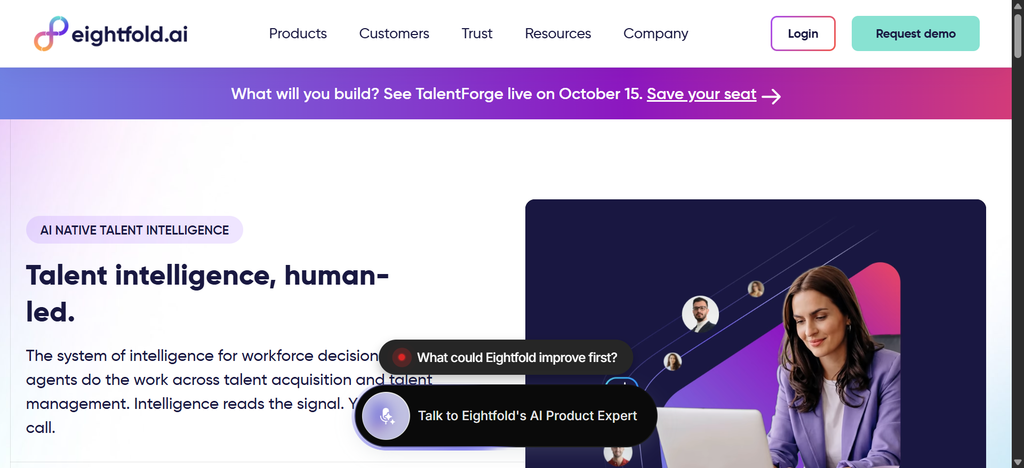
Eightfold AI provides talent intelligence technology intended to support talent acquisition, skills insights, and workforce development.
Depending on the product and configuration, organisations may explore it for:
- Understanding skills available within the workforce.
- Supporting talent matching and internal mobility.
- Identifying potential skills gaps.
- Connecting employees with relevant development opportunities.
- Supporting workforce planning.
- Exploring talent pools against organisational needs.
Example: An organisation preparing for a digital transformation may want to understand which skills it already has internally and where additional recruitment or training could be needed.
Best for: Organisations that need to understand workforce skills and connect talent strategies with business needs.
Important consideration: AI-generated skills profiles and talent recommendations should be validated. Inferences about an employee’s potential must not replace fair assessment, transparent criteria, or opportunities for employees to express their interests.
Website: Eightfold AI
10. Deel – For Global HR Operations and Distributed Teams
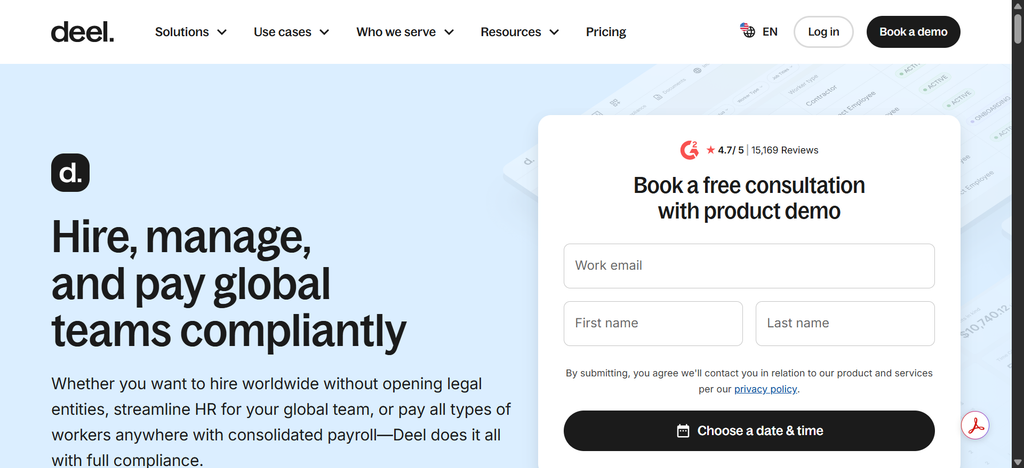
Deel provides HR, payroll, and global workforce management products. Its available automation and AI-related capabilities depend on the product and plan.
Organisations with international workforces may explore the platform for:
- Managing employee and contractor records.
- Coordinating global onboarding workflows.
- Supporting payroll and workforce administration.
- Organising employment documentation.
- Managing distributed team processes.
- Connecting selected HR workflows across locations.
Example: A business employing people in several countries may need a consistent onboarding workflow while accounting for the employment requirements that apply in each location.
Best for: Organisations managing international employment, contractors, or distributed workforces.
Important consideration: A global HR platform does not automatically make an organisation compliant with every country’s employment, tax, payroll, or data protection requirements. Verify country coverage and obtain appropriate local advice.
Which AI Tool Should HR Professionals Choose First?
You do not need to adopt every tool on this list. Start with the HR problem you want to solve, then select the tool that best fits the workflow, budget, and existing technology.
| HR need | Tools to explore | What to evaluate |
|---|---|---|
| Drafting and organising HR content | ChatGPT, Claude | Accuracy, confidentiality, ease of review |
| Recruitment workflow | Greenhouse | Hiring process, structured evaluation, integrations |
| Candidate assessment | HireVue | Job relevance, fairness, accessibility, oversight |
| HR administration and employee self-service | Workday | Integration, implementation effort, access controls |
| Performance management | Lattice | Review workflow, feedback quality, employee data controls |
| Employee engagement | Culture Amp | Survey design, confidentiality, action planning |
| Everyday office productivity | Microsoft Copilot | Existing Microsoft licences, permissions, data handling |
| Skills and workforce planning | Eightfold AI | Skills data quality, transparency, organisational fit |
| Global workforce administration | Deel | Country coverage, local requirements, payroll needs |
The table is a shortlist for further evaluation. Their suitability will depend on organisational requirements, product availability and budget.
How Can HR Teams in Nigeria Start Using AI Tools?
For organisations in Nigeria, adopting AI does not have to begin with a large enterprise system.
A small HR team can start by identifying one repetitive, low-risk task and testing whether an approved AI tool can improve it.
Step 1: Identify a real problem
Choose a specific activity that takes too much time or creates recurring delays.
Examples include drafting routine announcements, preparing onboarding materials, organising training resources, or summarising non-confidential survey feedback.
Step 2: Choose a tool that fits the task
Compare available products based on their actual capabilities, ease of use, integration requirements, data handling, and cost.
Do not choose a platform solely because it has the largest number of AI features.
Step 3: Create clear usage rules
Define what employees can and cannot enter into AI tools. Explain how outputs should be checked and which decisions require human approval.
Step 4: Test the tool with a small workflow
Use a controlled pilot to compare the existing process with the AI-assisted process.
Measure factors such as time saved, error rates, output quality, employee experience, and the amount of human review required.
Step 5: Review the results before expanding
If the pilot produces useful results without creating unacceptable risks, consider expanding it. If it does not improve the process, adjust the workflow or assess another tool.
This approach allows HR teams to learn what works before committing to larger investments.
Risks HR Professionals Should Consider Before Using AI
AI can make some HR workflows more efficient, but the use of these tools also introduces risks that require active management.
Employee and candidate privacy
HR teams handle personal information, including CVs, contact details, performance records, compensation information, and employee relations records.
Before using an AI tool, check its privacy terms, data retention practices, access controls, security arrangements and whether submitted data may be used to train models.
Organisations operating in Nigeria should consider their obligations under the Nigeria Data Protection Commission and the Nigeria Data Protection Act 2023, as applicable.
Bias in recruitment and performance decisions
AI systems can produce unfair outcomes if their data, design, or use reinforces existing biases.
Recruitment and performance tools should be evaluated for job relevance, accessibility, consistency, and potential adverse effects on different groups.
Do not rely on an automated score alone to decide who should be hired, promoted, disciplined, or dismissed.
Inaccurate information
General-purpose AI assistants can generate convincing but incorrect answers.
Check employment-related information against authoritative sources, current company policies, and qualified professional advice where necessary.
Lack of transparency
Employees and candidates should receive appropriate information when AI materially affects a process involving them.
HR should understand how a tool is used, what information it considers, and who is responsible for reviewing its outputs.
Overdependence on automation
HR is a people-focused function. Sensitive conversations, conflict resolution, complex employee relations cases, and decisions with significant consequences require appropriate human judgement.
AI should reduce unnecessary administrative work without removing the human support employees need.
Frequently Asked Questions About AI Tools for HR
What are the best AI tools for HR professionals in 2026?
Useful tools to explore include ChatGPT and Claude for drafting and research assistance, Greenhouse for recruitment workflows, HireVue for candidate assessment, Workday for HR operations, Lattice for performance management, Culture Amp for employee feedback, and Microsoft Copilot for everyday productivity. The right choice depends on the task, organisation, budget, and data requirements.
Can AI replace HR professionals?
AI can assist with selected administrative, drafting, analytical, and workflow tasks. It cannot take responsibility for the full range of HR work, including complex employee relations, organisational judgement, sensitive conversations, and accountable people decisions. HR professionals remain responsible for how tools are used and how decisions are made.
How can AI help with recruitment?
AI-enabled recruitment tools can support activities such as job description drafting, application workflow management, interview scheduling, structured interview notes, and some forms of candidate assessment. HR teams should verify that these applications are job-related, fair, accessible, and subject to appropriate human oversight.
Are AI tools suitable for small HR teams?
Yes. Smaller teams can begin with general-purpose AI assistants or a narrowly focused tool for a repetitive, low-risk task. Before adoption, evaluate the cost, privacy arrangements, usefulness, and time needed to review the output.
Is it safe to upload employee information to AI tools?
Not automatically. Safety depends on the product, account configuration, data handling terms, access controls, organisational policies, and the type of information involved. HR teams should use only approved tools and avoid submitting confidential or sensitive employee information unless the organisation has explicitly authorised the use and appropriate safeguards are in place.
How should HR measure the value of an AI tool?
Start with a baseline and compare the process before and after the pilot. Relevant measures may include time saved, accuracy, processing delays, output quality, employee or candidate feedback, and the amount of human review required. Consider costs and risks as well as productivity benefits.
Final Thoughts
AI tools are creating new opportunities for HR professionals to streamline administrative work, improve recruitment workflows, support employee development, and make better use of workforce information.
But adopting AI is not simply about collecting software subscriptions. It is about identifying genuine HR challenges and selecting tools that address them responsibly.
For HR professionals in Nigeria and across Africa, the best starting point is to choose one practical use case, test an appropriate tool, establish clear data protection rules, and measure whether the results justify expanding its use.
The goal is not to make HR less human. It is to give HR professionals more time and better information to make thoughtful, effective decisions about people.